
EZ Shipping
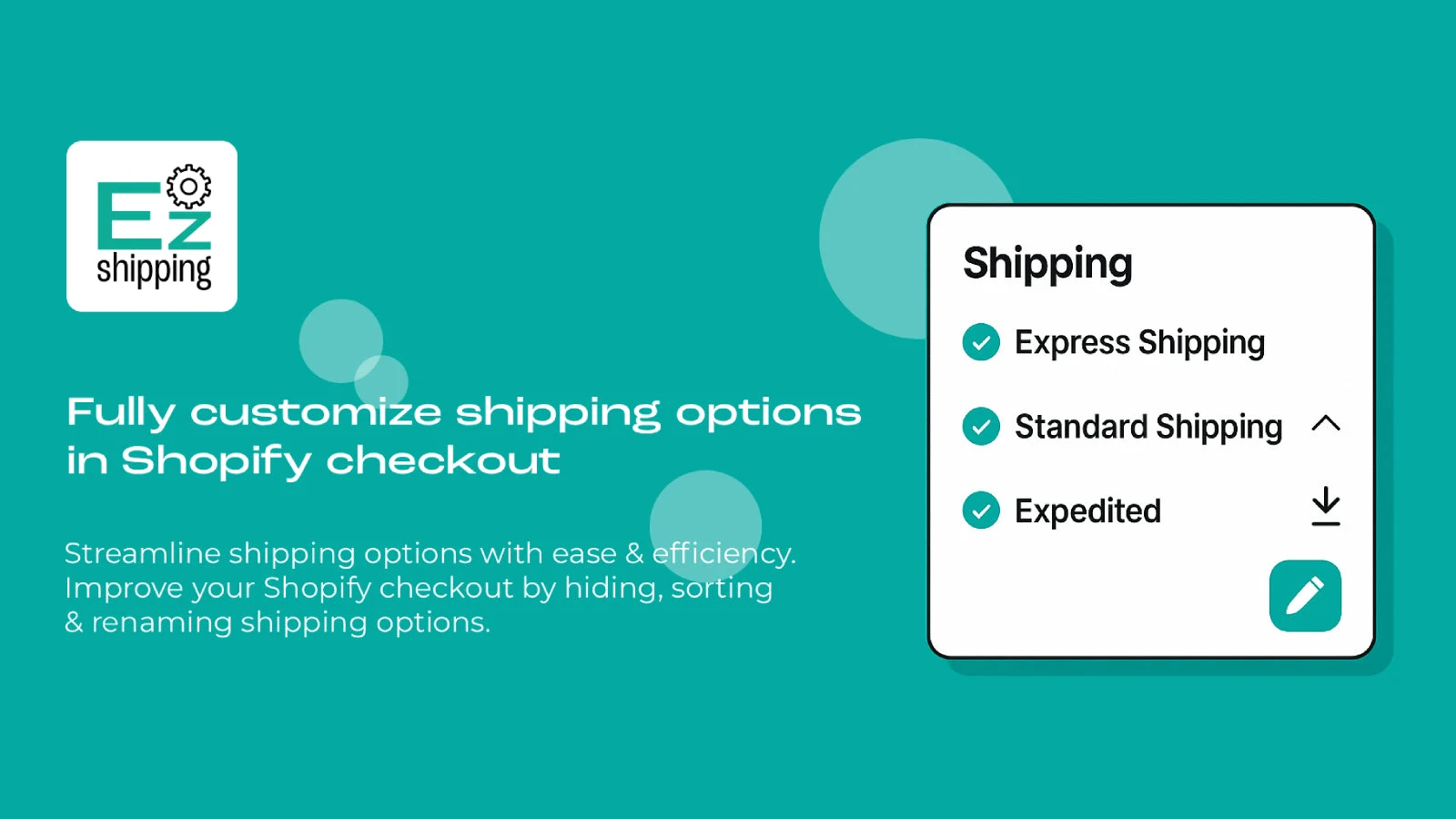
Show each customer only the shipping methods that make sense. Hide, sort and rename rates at checkout with rules on the cart, products, customer and address.
- Platform
- Shopify checkout
- Pricing
- $5.99/month
- Shopify plans
- All plans
- Built on
- Shopify Functions
What it does
Rules run inside Shopify’s own checkout as a Shopify Function: no scripts on your storefront and nothing to slow checkout down.
- Hide
Hide shipping methods
Remove rates a customer shouldn’t see, such as express to remote areas or free shipping for wholesale orders.
- Sort
Reorder the list
Drag methods into the order you want, so the option you prefer is the one customers see first.
- Rename
Clearer names
Give carrier rates names your customers understand, like “Next-day courier” instead of a service code.
- Conditions
19 conditions
Cart total, products, collections, tags, line item properties, customer tags, B2B company, country, province, zip and more.
- Logic
All or any
Combine conditions so a rule runs when all of them pass or when any one does.
- Presets
Ready-made rules
Start from presets such as VIP express, B2B heavy order or US-only shipping, then adjust.
- Currency
Multi-currency aware
Amount conditions convert to the customer’s currency, so thresholds hold in every market.
- Checkout
Every checkout
Works on all Shopify plans, with one-page and three-page checkout and with draft orders.
- Data
Import and export
Move customizations between stores or keep a backup with import and export.
See it in action
Simple pricing
One plan with every feature, billed monthly through Shopify. Cancel any time by uninstalling the app.
Development
Free for dev stores
- Free on development stores
- Free on Shopify Plus sandbox stores
- Every feature included
Pro
$5.99 / month
- Hide, sort and rename rates
- Multiple conditions per rule
- Presets
- Import and export customizations
- Priority support
Documentation
How customizations work, every condition you can use, and answers to common questions.
Getting started
- Install EZ Shipping from the Shopify App Store and choose the Pro plan. Development and Plus sandbox stores are free.
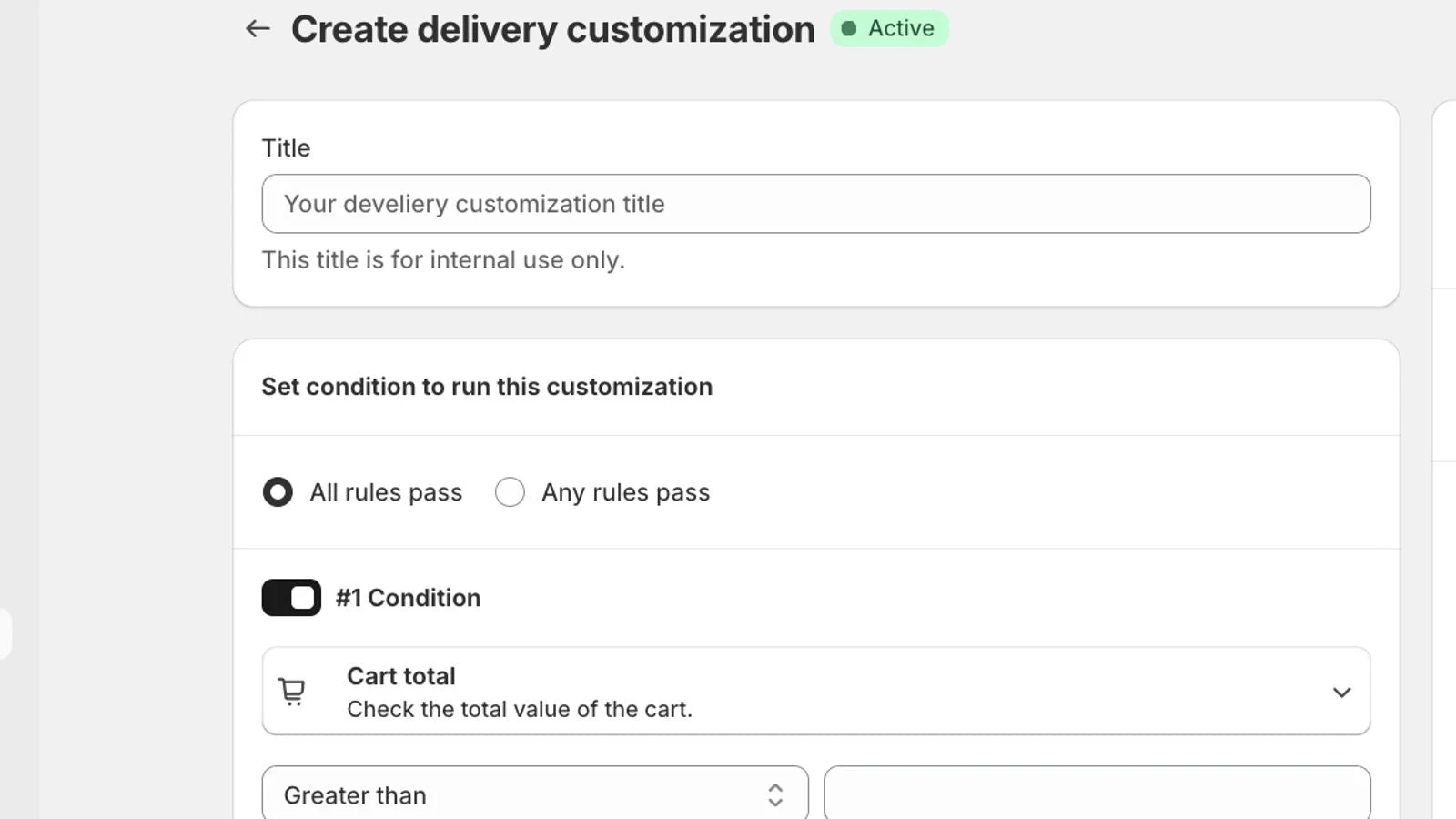
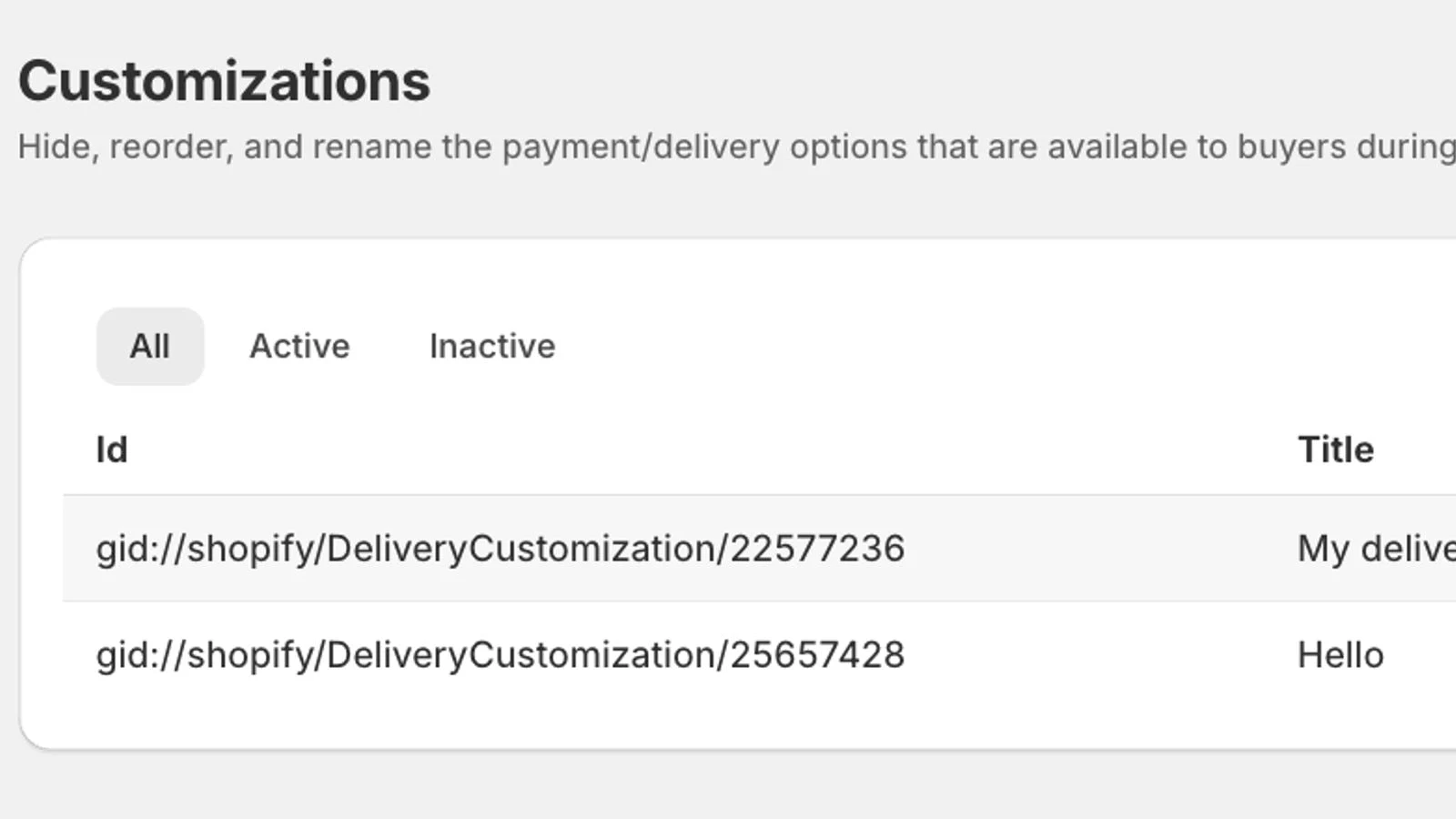
- Open the app and click Create customization. Start from a blank customization or a preset.
- Give it a title. The title is only for you and never shows at checkout.
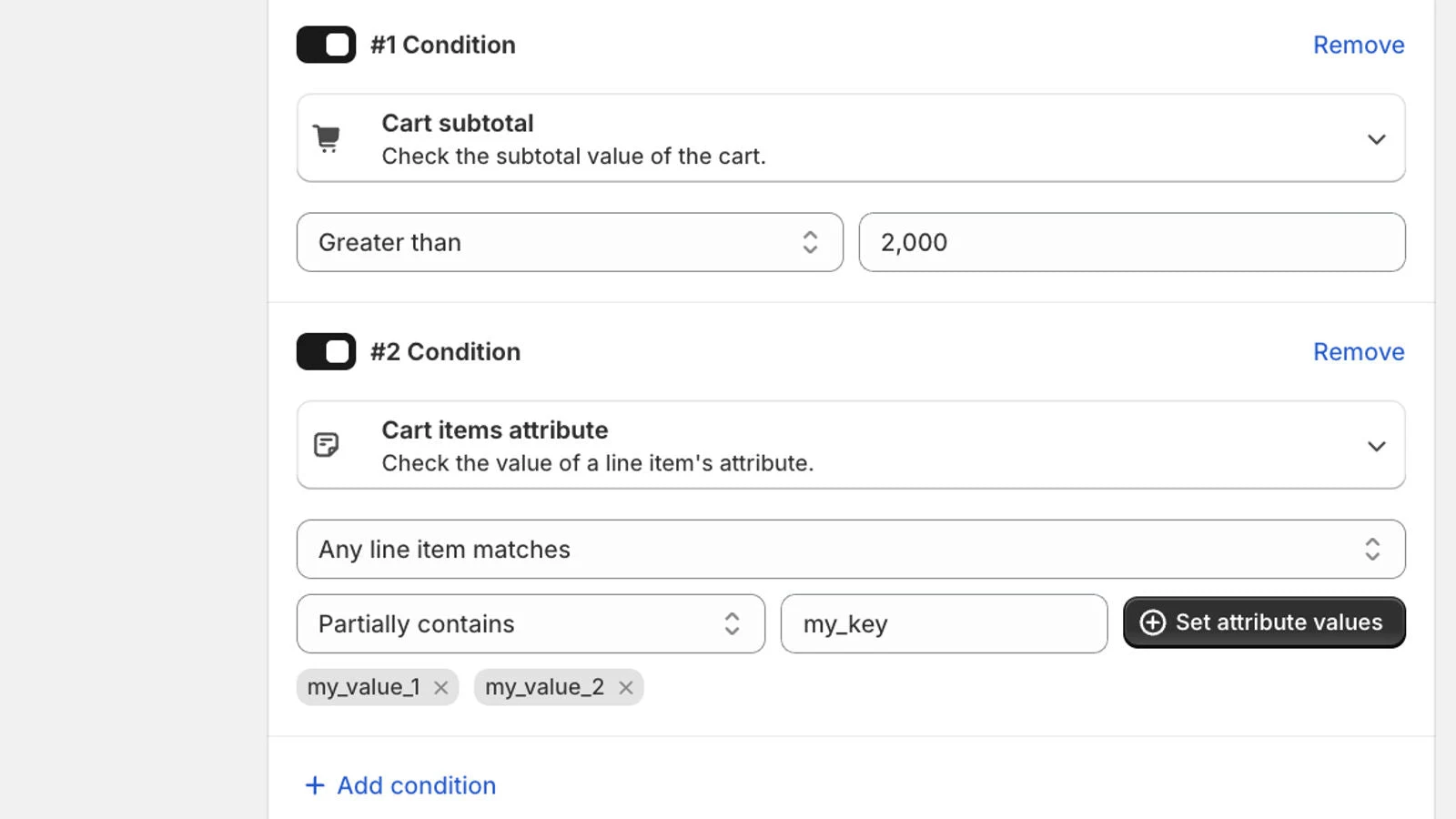
- Add the conditions that decide when it runs, and choose whether all rules or any rule must pass.
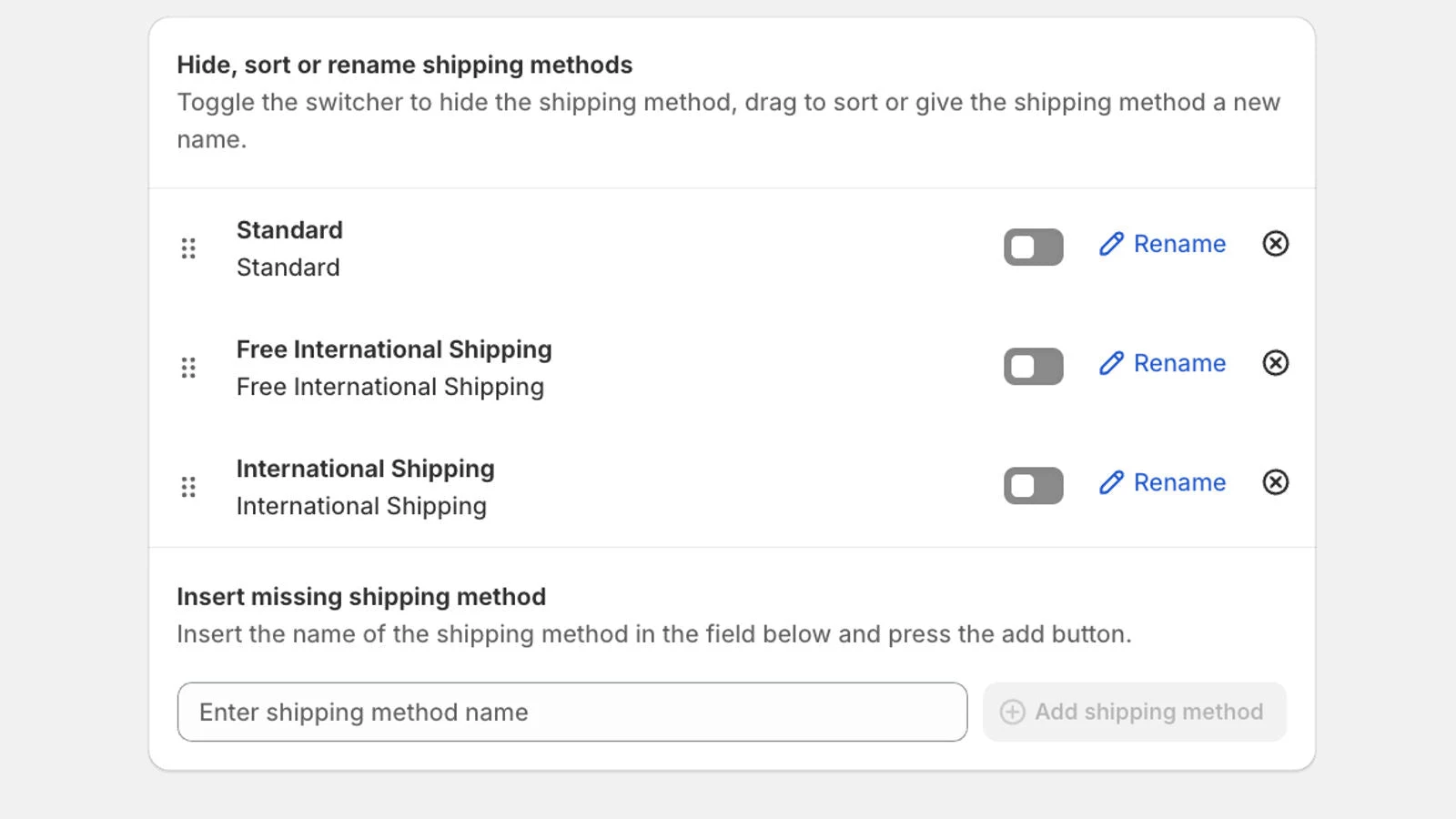
- Under Hide, sort or rename shipping methods, set what happens to each method, then save and make sure the customization is Active.
Test it with a cart and address that match your rule. Changes apply at checkout straight away.
Hiding, sorting and renaming
The app lists the shipping methods your store offers. Methods are matched by name, so a method named Express also matches Express International.
| Action | How | At checkout |
|---|---|---|
| Hide | Turn on the switch next to the method | The method is removed for customers who match the rule. |
| Sort | Drag methods into order | Methods follow your order. The cheapest of the sorted methods always shows first. |
| Rename | Click Rename and type the new name | The method shows under its new name. |
A method isn’t in the list
Some rates only appear for certain addresses or carts, so the app can’t always see them. Type the method’s name under Insert missing shipping method and click Add shipping method.
Conditions
Each customization runs only when its conditions pass. Choose All rules pass (and) or Any rules pass (or). A customization with no active conditions changes nothing.
| Group | Conditions |
|---|---|
| Cart | Cart total, cart subtotal, total quantity of items, cart currency |
| Line item | Line item property (attribute), quantity per line, cart contains products, product in collections, product tags, variant title |
| Customer | Customer country, customer tag, customer is a company (B2B), company name, total spent |
| Shipping | Shipping country, province code, zip code |
Comparisons
- Amounts and quantities: greater than, greater than or equal, less than, less than or equal, equal to.
- Text: any of, none of, partially contains, does not contain, starts with, ends with, is empty, is not empty.
- Line items: any line item matches, none of the line items match, or all line items match.
Amount conditions are set in your store’s currency and converted to the customer’s currency at checkout, so a $100 threshold works for shoppers paying in euros or yen.
Presets
Presets fill in a customization you can edit before saving.
| Preset | Built on |
|---|---|
| Express Boost for VIPs | Cart subtotal and customer total spent |
| B2B Heavy Order | Product tags and B2B customers |
| VIP Reward | Customer total spent |
| Domestic Control (US only) | Shipping country and product tags |
| Regional Express | Province code and product tags |
| Company Fast Track | B2B customers and shipping country |
| Restricted Area Filter | Province code and product tags |
| Gift Priority | Line item property and customer total spent |
FAQ
How many customizations can I create?
As many as you like. Shopify runs up to 5 shipping customizations at the same time, so up to 5 can be active.
Do I need Shopify Plus?
No. EZ Shipping works on every Shopify plan.
Does it work with one-page checkout?
Yes, with one-page and three-page checkout, since it uses Shopify’s own checkout APIs.
Does it work with draft orders?
Yes, customizations apply to draft orders too.
What about local pickup and local delivery?
Shopify doesn’t let apps change local pickup or local delivery options, so those can’t be hidden or renamed. You can still use them in your rules.
Sharing logs with support
If a customization isn’t doing what you expect, logs help us find out why quickly:
- In your Shopify admin, open Settings → Apps and click EZ Shipping.
- Scroll to the bottom and click Share logs.
- Email us with what you expected to happen and what happened instead.
Support
Questions or a feature request: email hi@enelcommerce.com. We reply within one business day.
How the app handles data: EZ Shipping privacy policy.